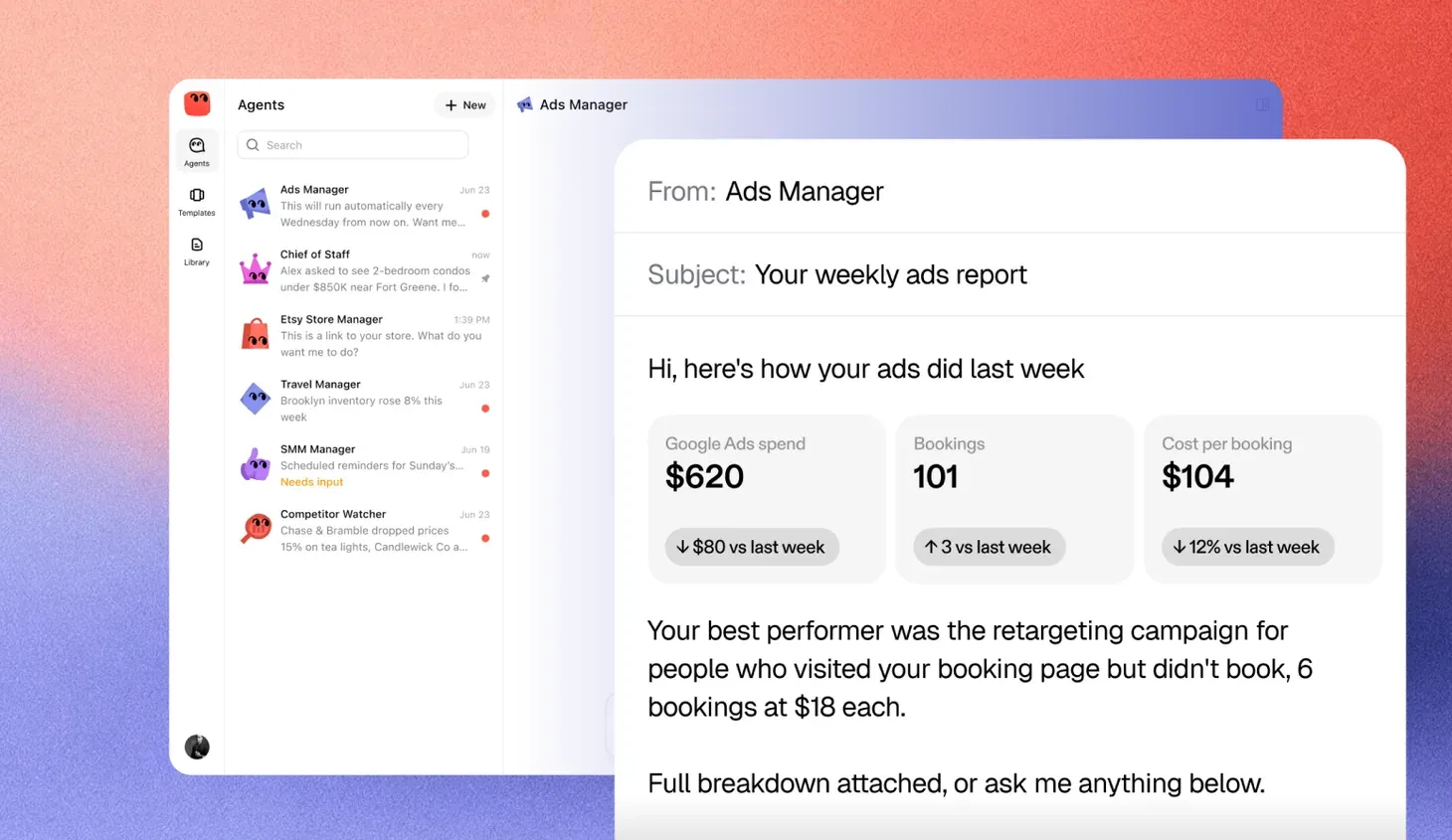
You finish the work, or it does
AI chat is a conversation. You ask a question, the assistant answers, and the work comes back to you. AI agents are given a job instead. An agent works on that job over time, uses your tools to do the steps and checks in when a decision belongs to you.
The simplest test is to ask who finishes the task. With chat, you do. With an agent, the software does, up to the points where your rules say a person must decide.
Both can run on the same kind of language model. The difference is not how clever the model is. It is how much of the work the software is trusted to carry, and what keeps that trust safe.
When a chat assistant is all you need
Chat assistants are very good at a particular shape of work. It is worth naming it, because many teams reach for an agent when chat would have been enough.
- Thinking out loud. Talking through a pricing change, a hard customer email or a hiring decision.
- One-off drafts. A job ad, a policy summary, a reply to a review.
- Quick answers. What a term means, how a formula works, what to check in a contract.
- Rewriting. Making a long message shorter, clearer or more polite.
In each case the task fits inside one conversation. You start it, you read the result and you decide what to do with it. Nothing happens in your systems until you copy the answer somewhere yourself.
That is a strength. Chat cannot send the wrong invoice or book the wrong meeting, because it never touches your invoices or your calendar.
What changes when work must be completed
Some work does not fit inside a conversation. Chasing unpaid invoices takes weeks. Keeping a shared inbox under control never ends. Watching ad spend means checking every day and acting when something drifts.
Chat can help with each step. You can ask it to draft a reminder or summarize an inbox. The problem is that you still have to remember to ask, carry the result into the right system and come back tomorrow to do it again. The assistant is helpful, and the job is still yours.
An agent changes that in four ways.
- It keeps the goal. You set it once, like “every invoice over 30 days gets a reminder,” and the agent holds on to it.
- It acts without a prompt. It runs on a schedule or when something changes, such as a new email or an overdue payment.
- It works in your tools. It reads and writes in the systems where the work lives, like your accounting software, your inbox or your CRM.
- It finishes or escalates. It carries each item to done, or it stops and asks when a decision is yours.
These four together are what make work completed rather than assisted.
A side by side comparison
| AI chat | AI agent | |
|---|---|---|
| What you give it | A question or a request | A goal and the rules around it |
| How long it works | One reply, or one conversation | Days, weeks or for as long as the job runs |
| When it acts | When you type | On a schedule, or when something changes |
| Where the work happens | In the chat window | In your email, calendar, CRM or spreadsheet |
| Who carries the result | You copy it where it needs to go | The agent puts it there |
| What can go wrong | A bad answer you might act on | A bad action in a real system |
| What you check | The answer | The approvals and the record |
The row on what can go wrong is the one to dwell on. Moving from chat to an agent moves the risk from bad advice to bad actions. That is why agents need things chat never needed.
What an agent needs that chat does not
Because an agent acts, it needs a setup around it that a chat assistant can do without.
Access, scoped to the job
An agent that chases invoices needs to read your invoices and send emails from one address. It does not need your bank login or your payroll. Each permission should match a step in the job, and nothing more.
Approvals
Some decisions should always go to a person. Refunds, payments, messages to an important customer and anything that changes a price are common examples. A good agent stops at these points, explains what it wants to do and waits.
A record
Every read, draft and action should be logged in plain words. When a customer asks why they got a reminder, you should be able to find the answer in a minute.
A clear definition of done
“Keep the inbox tidy” is a wish. “Every new message is labeled, routine questions get the standard reply and anything about billing goes to me” is a job. An agent needs the second kind.
A worked example with supplier onboarding
Take a procurement team at a manufacturer that adds around thirty new suppliers a month. Each one has to send a tax form, an insurance certificate and bank details, and each document has to be checked against policy before the supplier can be paid.
With chat, a procurement analyst opens each supplier’s emails, pastes the attachments into a chat window and asks whether the certificate covers the required amount and has not expired. The assistant answers well. Then the analyst writes the follow-up for whatever is missing, updates the tracking spreadsheet, chases again next week and opens the vendor record by hand once everything is in. The assistant saved some reading. It did not save the job.
With an agent, the team writes the rules once. Every new supplier gets a request for the three documents. Each one that comes back is checked against the policy, and anything missing or expired goes back to the supplier with a plain note on what to fix. Reminders go out after three and seven days. When all three documents pass, the vendor record is prepared and waits for compliance to approve it. A change to a supplier’s bank details never goes through on its own. It goes to a person, who calls the supplier back on a number already on file.
From then on the agent works the queue every morning, sends what the rules allow, holds what needs approval and logs each step. The team reads a short summary of who is ready, who is stuck and why, and handles the two or three suppliers the agent could not settle.
The model reading the documents may be the same in both cases. What changed is who owns the job.
What each costs a large company
Chat assistants and agents are priced on different logic, and the difference matters more at enterprise scale than any single price.
A chat assistant is sold per person. ChatGPT Business lists at $20 per user a month on an annual plan, and ChatGPT Enterprise is quoted by OpenAI’s sales team, with reported deals around $45 to $75 a seat. Microsoft 365 Copilot is $30 per user a month on top of the Microsoft 365 license a company already pays for. Either way the bill tracks headcount. A seat costs the same whether its owner uses it all day or once a month.
Agents are priced by the work, or bundled into a plan with a usage allowance. OpenAI includes a person’s first dot with its Pro, Business Premium and Enterprise plans. Devin, the coding agent, sells a Teams plan at $80 a month plus $40 per developer seat, and bills its enterprise customers by usage. The bill tracks how much the agents do, which is closer to the value they deliver and harder to predict in the first months.
| Chat assistant | Agent | |
|---|---|---|
| What you pay for | A seat per person | An agent, a task or the compute it uses, often with a base plan |
| What makes the bill grow | More people given access | More work handed over, and more systems connected |
| Costs outside the license | Training people to use it well | Connecting systems, setting approvals and reviewing the record |
| How to compare fairly | Cost per active user | Cost per completed job, against what that job costs today |
| Where budgets go wrong | Paying for seats nobody uses | Usage spikes from a loop or an unbounded task |
The useful comparison is not chat price against agent price. It is the cost of a finished job. A seat that saves an analyst an hour a week and an agent that clears a supplier onboarding queue every morning are buying different things. Price the job you want done, add the setup and oversight it needs, and compare that with what the job costs today. Prices here change often, so check each vendor’s current page before you budget.
How to choose between them
Most businesses need both. The question is which tool fits which piece of work.
| Ask this | If yes, lean toward |
|---|---|
| Does the task fit in one conversation? | Chat |
| Do I want to think it through myself? | Chat |
| Does the task repeat on a schedule? | Agent |
| Does it run for days or weeks? | Agent |
| Does it mean acting in a system I already use? | Agent |
| Is there a clear definition of done? | Agent |
| Would a mistake be costly and hard to undo? | Either, with approvals on the agent |
A useful habit is to notice the tasks you keep bringing back to a chat window. If you ask for the same kind of draft every week and then carry it to the same place, that task is asking to become an agent’s job.
What to watch when you move work to an agent
Moving a task from chat to an agent is a small act of delegation. Treat it the way you would treat handing work to a new hire.
- Start narrow. Pick one job with clear edges, like overdue invoices or meeting requests, rather than “help with admin.”
- Keep approvals on at first. Let the agent propose and you approve. Loosen the rules only once its record shows it gets the routine cases right.
- Read the record. For the first few weeks, skim what it did each day. You will spot the gaps in your rules quickly.
- Write down the exceptions. Each time you correct the agent, turn the correction into a rule so it does not happen again.
Chat helps you do your work. An agent takes some of the work off your plate. Knowing which one a task needs is most of the decision.