A short definition
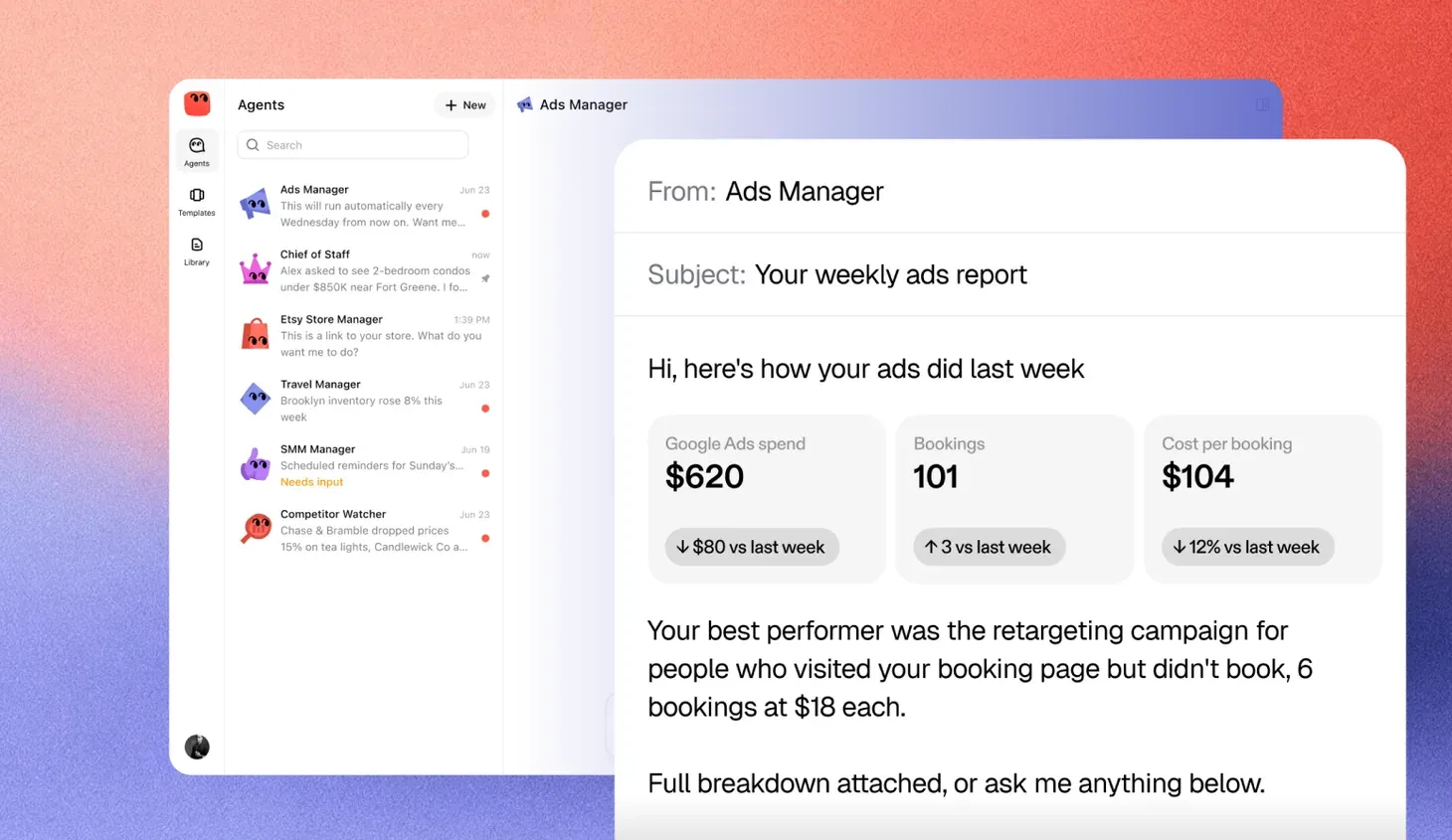
An AI agent is software you give a goal, not a question. You hand it a job, such as chasing unpaid invoices or keeping a calendar full, and it keeps working on that job across days and weeks. It reads what is happening in your systems, decides what needs doing next, takes the action and reports back. Where your rules say a person must decide, it stops and asks.
Most people meet AI through a chat window. You ask, it answers, and the work goes back to you. An agent is built the other way around. The work stays with the agent, and what comes back to you is a result, a question or a short report.
That difference sounds small. In practice it decides whether a tool saves you a reply or saves you a job.
What an agent is made of
Every working agent has the same five parts, whatever it is called on the box.
- A goal. What done looks like, written the way you would brief a new hire. “Get every invoice older than 30 days paid or flagged” is a goal. “Help with invoices” is not.
- Context. The documents, records and history it needs to do the job well. That might be your price list, past emails with a customer or the notes in your CRM.
- Tools. Access to the systems where the work happens, like email, a spreadsheet, a calendar or a store.
- Approvals. The decisions that always go to a person before anything changes. A refund, a price change or a message to an upset customer are common ones.
- A record. A log of every read, draft and action, so you can see what it did and why.
Take one away and you have something less. Without tools it can only advise. Without context it guesses. Without approvals nobody should let it near real work. Without a record nobody can check it. Public guidance like NIST’s AI Risk Management Framework puts the same weight on people staying accountable for what AI does.
Underneath sits a language model, the same kind of technology behind chat assistants. The model is the part that reads, writes and reasons. The other five parts are what turn that ability into finished work.
What it must complete to count
Plenty of products call themselves agents. A useful test is to ask what the software finishes on its own. To count as an agent, it should do four things.
It finishes the job, not a step
Ask it to chase three unpaid invoices and it should find them, draft the reminders, send them where your rules allow and tell you who has paid. A tool that drafts one email and stops is an assistant. It helped, but you still did the job.
It works across more than one system
Real work moves between places. The invoice lives in accounting, the customer’s address in the CRM and the reminder in email. An agent reads from one, writes to another and keeps them in step. If you have to copy and paste between them yourself, the software is not doing the part that takes the time.
It keeps going without being prompted
An agent runs on a schedule, or reacts when something changes, like a new order, a late payment or a message in a shared inbox. You should not have to open a chat window every morning to get it moving. If it only works while you are watching, it is a tool you operate, not one you delegate to.
It stops when a person should decide
A good agent knows the edge of its brief. A refund over a set amount, a reply to an unhappy customer, a change to prices. It pauses, explains what it found and waits for a yes or a no. Then it carries on from where it stopped, without you having to start it again.
AI agent vs. chatbot vs. automation
Two other kinds of software get confused with agents. A chatbot answers questions. A rules-based automation, the kind that says “when a form is filled in, add a row to the spreadsheet”, follows fixed steps. An agent sits between the two. It can handle the messy, varied work a fixed rule cannot, and it acts on its own where a chatbot waits for you.
| Chatbot | Rules-based automation | AI agent | |
|---|---|---|---|
| What you give it | A question | A fixed trigger and fixed steps | A goal and its limits |
| Who does the work | You, with its answer | The automation, exactly as written | The agent, with your tools |
| How long it runs | One reply | One run per trigger | Days or weeks on the same job |
| What happens when things vary | It answers anyway | It breaks or does the wrong thing | It adapts or asks |
| What you check | Its answer | Whether it ran | Its record and its approvals |
None of these replaces the others. A fixed rule is still the right choice for work that never changes, like copying every new order into a spreadsheet. An agent earns its place where the work needs judgment, like deciding which overdue customers get a gentle nudge and which need a phone call.
Examples of AI agents in an enterprise
The clearest way to see what an agent is, is to look at the jobs one can hold. In a large company those jobs cross departments, systems and approval chains.
- Accounts payable. Matches each supplier invoice to its purchase order and goods receipt in the ERP, posts the clean ones and routes mismatches to the right budget holder.
- Month-end close. Reconciles intercompany balances and bank accounts across entities, drafts the journal entries and leaves them for a controller to approve.
- Procurement. Collects tax forms, insurance certificates and bank details from new suppliers, checks them against policy and opens the vendor record once compliance signs off.
- IT service desk. Triages incoming tickets, resolves the routine ones from the knowledge base and sends access requests to the system owner with the context already attached.
- Employee onboarding. Opens the accounts a new hire needs across HR, IT and payroll on their start date, and chases the manager for anything still missing.
- Sales operations. Keeps the CRM current across regions, routes new leads to the right territory and flags deals that have stalled for longer than the team’s own rule allows.
- Contracts. Reads incoming contracts against the legal playbook, marks clauses that fall outside it and queues the redlines for counsel.
- Customer support. Answers tier-one tickets in several languages from the help center and hands the rest to the right team with a summary.
- Audit evidence. Gathers the screenshots, logs and approvals a control needs each quarter, so the audit team reviews evidence instead of collecting it.
Each one has a goal, works inside real systems and hands the hard calls back to a person with the authority to make them. Most enterprises start with one contained job in one department, prove it against a test set, then widen access as the record builds trust.
What an agent needs from you
An agent does not set itself up. The time you spend at the start decides how much it can be left alone later.
- A clear brief. Write down what done looks like, the way you would for a new hire on day one.
- The right access. Connect only the accounts the job needs. A bookkeeping agent needs your accounting software and bank feed. It does not need your ad accounts.
- Your rules. Name the decisions that always come to you, and the limits it must never cross, like a spending cap.
- Examples. Share a few past emails, invoices or replies that show how you like things done. Tone matters to customers.
- A first few weeks of attention. Read its record and its questions closely at the start. Loosen the approvals once it has shown good judgment.
Checking the parts before you trust it
Most problems with agents are not about the model. They come from access that is too wide, rules that were never written down or a record nobody reads. So test the parts, not the demo.
| Part | Question to ask |
|---|---|
| Context | Can it use your price list, past emails and CRM notes, or does it guess? |
| Tools | Can you connect only the accounts one job needs, and nothing else? |
| Approvals | Can you name the decisions that always come to you, and a spending cap it must never cross? |
| Record | Can you see every read, draft and action, with the reason it gave? |
Buying one? The full checklist covers the rest.
Signs you are looking at a chatbot with a new name
- It only does anything while you are typing to it.
- It gives you a draft and leaves the sending, filing and updating to you.
- It cannot tell you what it did yesterday.
- It has no way for you to set approvals or limits.
How to tell if you are looking at one
Ask three questions. What will it finish without me? Which systems can it change? Where does it stop and ask?
If the answers are a real job, the systems that job lives in, and the decisions you care about, you are looking at an agent. If the answers are nothing, none and never, you are looking at a chatbot with a new name.